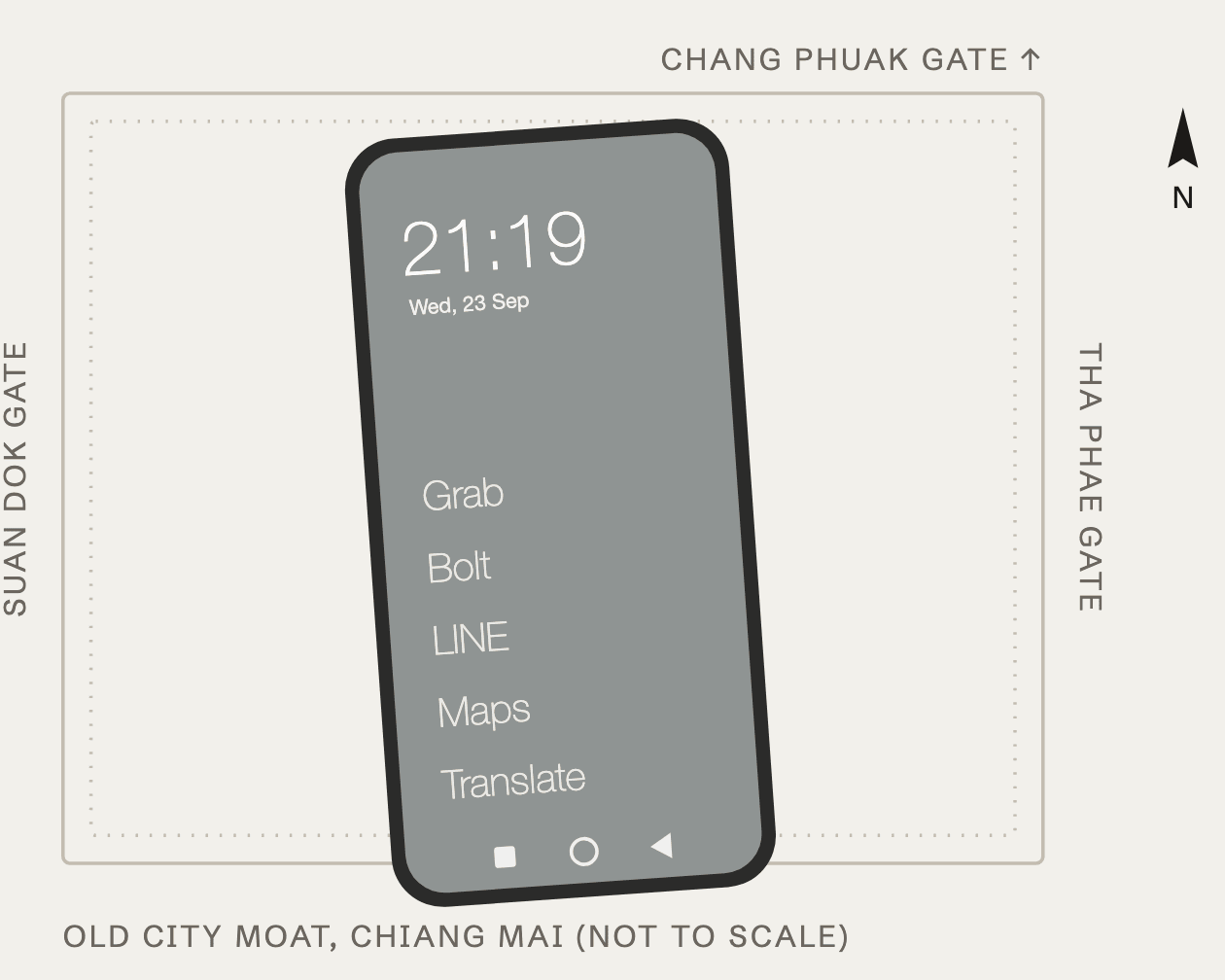
I switched to Claude out of spite. My Codex usage was running out a little faster every week, so I had a Codex agent research how far $20 of Claude goes compared with $200 of Codex on GPT-6 Astra at the lowest thinking level. Halfway through, I found out Anthropic had released Opus 5.5, apparently minutes earlier. I'd missed it because I'm on a social media purge, which is also why this phone exists.
The phone
I have two phones here in Thailand. My real one stays at home for when I really need it, and I carry a burner. This one is a Redmi Note 15 Pro 5G, the Thai build. Xiaomi doesn't sell phones in the US, which made me want one more.
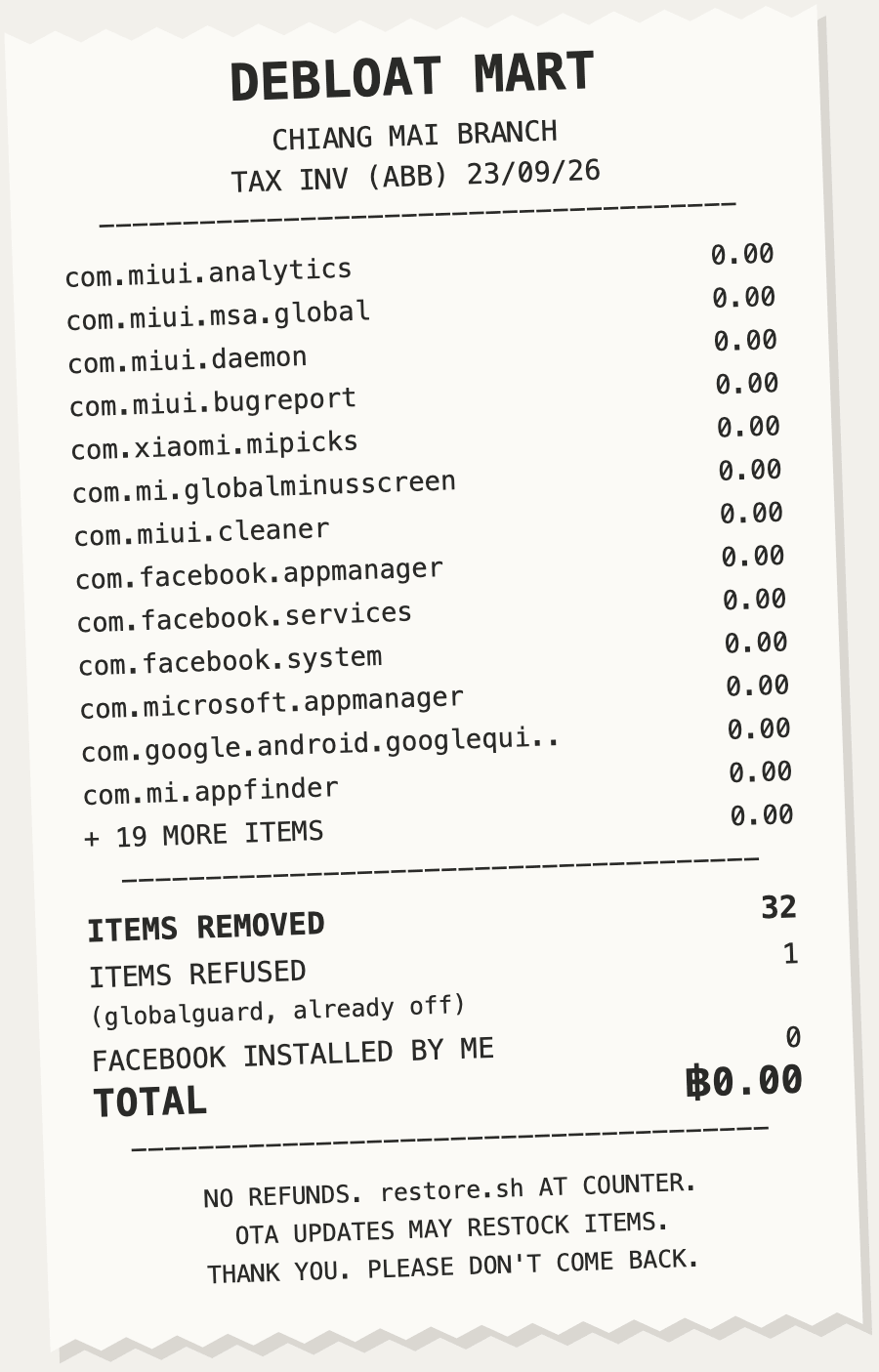
Out of the box it had 373 system packages. Among them were an ad engine, Xiaomi's analytics, a Microsoft "Link to Windows" bundle, three Facebook services (I have never installed Facebook), and three separate news feeds from two different companies. On a detox phone.
- Xiaomi apps and feeds11
- Xiaomi telemetry and ads9
- Google extras6
- Facebook services3
- Microsoft Link to Windows3
Handing it over
I plugged it into my laptop and asked Opus to clean it up. My first question was whether it could root the phone. It said I shouldn't, and the reason was annoyingly good: on a phone whose job is to limit me, root mostly makes it easier to un-limit myself. Good call.
So it worked over adb for about three hours instead. It removed 31 packages, every one of them reversible, which kept the blast radius of a bad uninstall at exactly one command. It wrote a restore script I didn't ask for. It spotted PayJoy, the financing lock shops use to brick a phone when you stop paying, and refused to go near it. It also turned on grayscale, turned off Google's ad personalization by tapping through Play Services screens, and pointed the phone at a DNS filter that blocks trackers and a few categories of sites I don't need one tap away.
Then it locked the filter so I can't turn it off in Settings. That uses Android's enterprise "device owner" mode, through a Google app called TestDPC. Claude Code's safety system wouldn't let Opus run that command itself, so I typed it. My phone now says "This device belongs to your organization." The organization is me. It's a small company with very strict IT.
Then I asked the obvious question: what's the point, if I can just open TestDPC and switch it all off? It didn't argue. It tried to hide TestDPC, Android refused, and it agreed the lock stops impulses, not decisions. There's a Chinese saying for exactly this, 防君子不防小人: a lock keeps honest people honest and does nothing about anyone determined. On this phone I am both people.
Where it was bad
Opus can reason its way through Android's enterprise device policy and cannot reliably find a menu item. It drives a phone by dumping the screen as XML, searching it, tapping coordinates and taking a screenshot to see what happened. It scrolled right past the item it wanted several times because its search choked on a slash. It opened my Notes app twice by accident. It went looking for Chrome's news feed and ended up in Chrome's settings. It also forced gesture navigation on a launcher HyperOS doesn't support, and for a few minutes I couldn't get to my own home screen.
It's slow, too, because every tap is a full round trip. For actually driving screens, Codex is still king. For deciding what should happen to a phone and why, Opus 5.5 is the best model I've used.
Chiang Mai
_-_IMG_01.jpg)
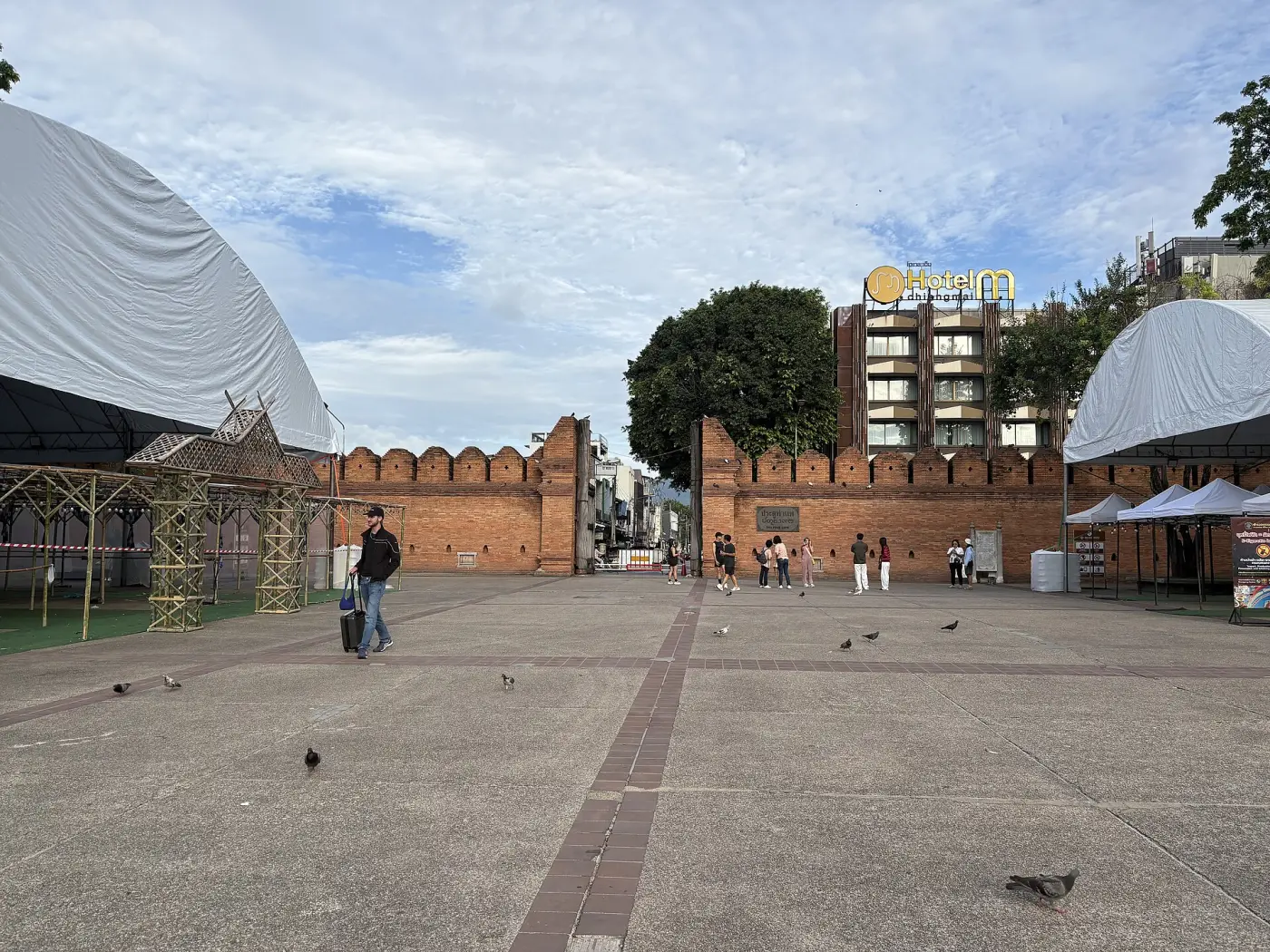
The phone now boots into a gray list of words: Grab, Bolt, LINE, Maps, Translate. No icons, no feeds, nothing to open while I wait for a Grab in Nimman or ride a songthaew around the moat.
I said 31 packages earlier. It's 32. The last one went after I swiped down on the home screen and found Xiaomi's search bar had its own news feed, with an "AI" button on it.
Built to be stolen
I'm heading to places where I'll probably get robbed eventually, and this phone is ready for it. There's nothing on it worth fighting for and no Xiaomi account. It does have my Google account, so a thief who wipes it gets a very nice brick with a login screen. The Play Store still works under the lock, so if I need an emergency app somewhere new, I can install it on the spot.
Replacing it is a recipe now: buy a phone, plug it in, hand Claude the log.